Data Extractor — emails from any website
Point it at websites; it crawls them and returns the emails, phone numbers and social profiles they publish.
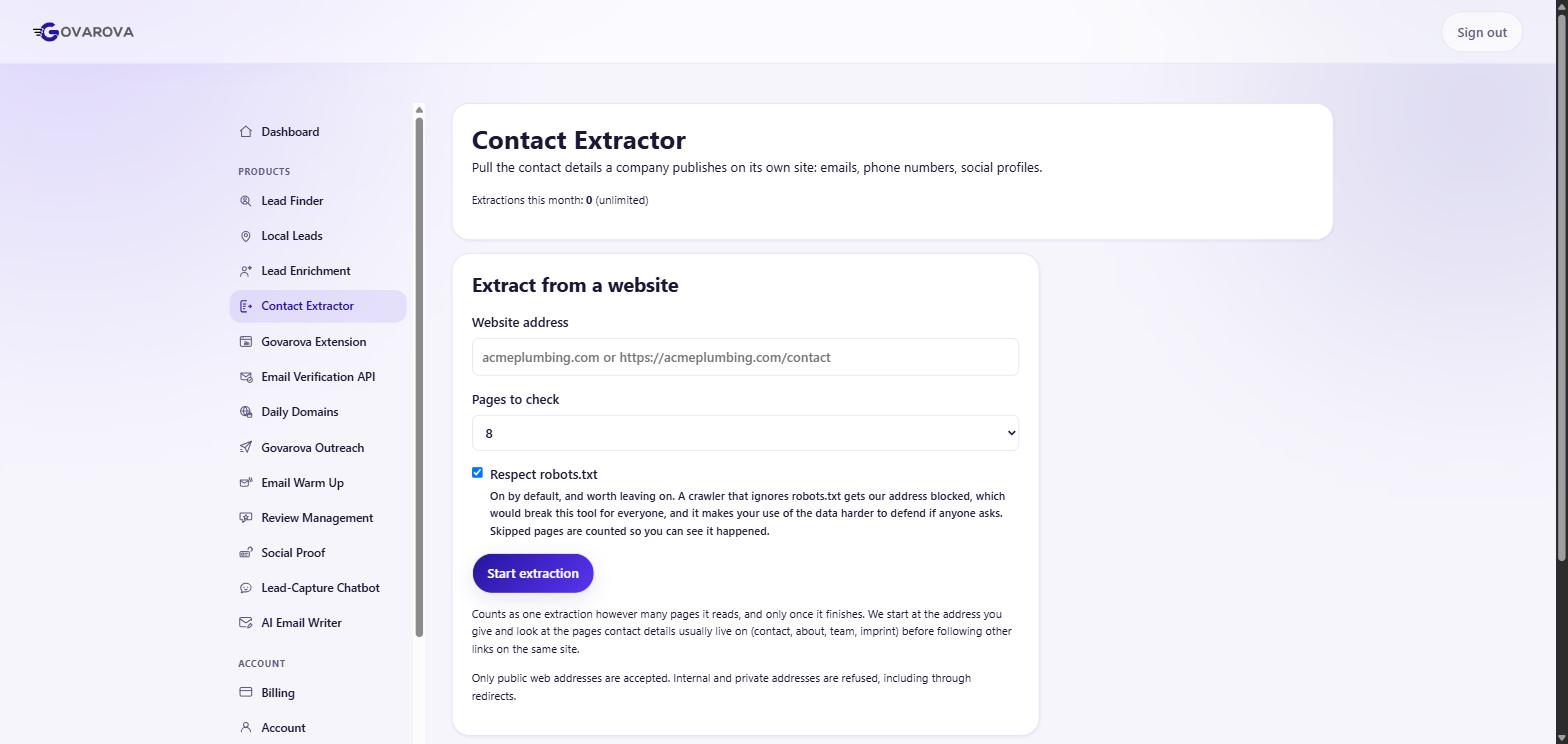
Same shape as enrichment: name a list, paste the sites, press Upload my list, and the crawl runs in the background.
Where the addresses actually hide
A naive extractor fetches the homepage, finds nothing, and reports “no emails”. The homepage is nearly the last place a company puts an address. In rough order of yield:
- The contact page — the obvious one.
- The footer — on every page, often the only place the general address appears.
- The privacy policy — the most reliable source on any website and the one nobody checks. A company can hide its sales contact behind a form; it cannot hide its data-protection contact, because the law requires that one to be real and published.
- Job listings — frequently carry a hiring manager directly.
- PDFs — brochures and whitepapers are full of contact details and almost never crawled.
What comes back that you do not want
Expect to discard more than you keep: noreply@, placeholder addresses from form examples
(you@yourcompany.com), the web agency's address in the footer, and testimonial addresses that belong to
someone else's company entirely. Filter on the domain matching the site you crawled — that one rule removes most of
the noise.
The full method, including what a regex alone gets wrong, is in how to extract emails from a website.
The product behind this
Contact Extractor
Crawl any site or list and pull out every email, phone number, and social profile it exposes.
Read next
Data Enrichment — turn a list of companies into contacts
Paste domains or company names; get back verified emails, job titles and firmographics for the people who work there.
Read →Find B2B companies — build the target list first
Search a company database by the attributes that actually predict fit, then enrich the companies you keep.
Read →Find B2C local businesses
Plumbers, dentists, restaurants. A different segment with different rules — and free-mail addresses are not a data-quality problem here.
Read →