Email Discovery — a name and a company, one address
Full name plus domain, in; a verified email address, out. Also runs in bulk from a CSV.
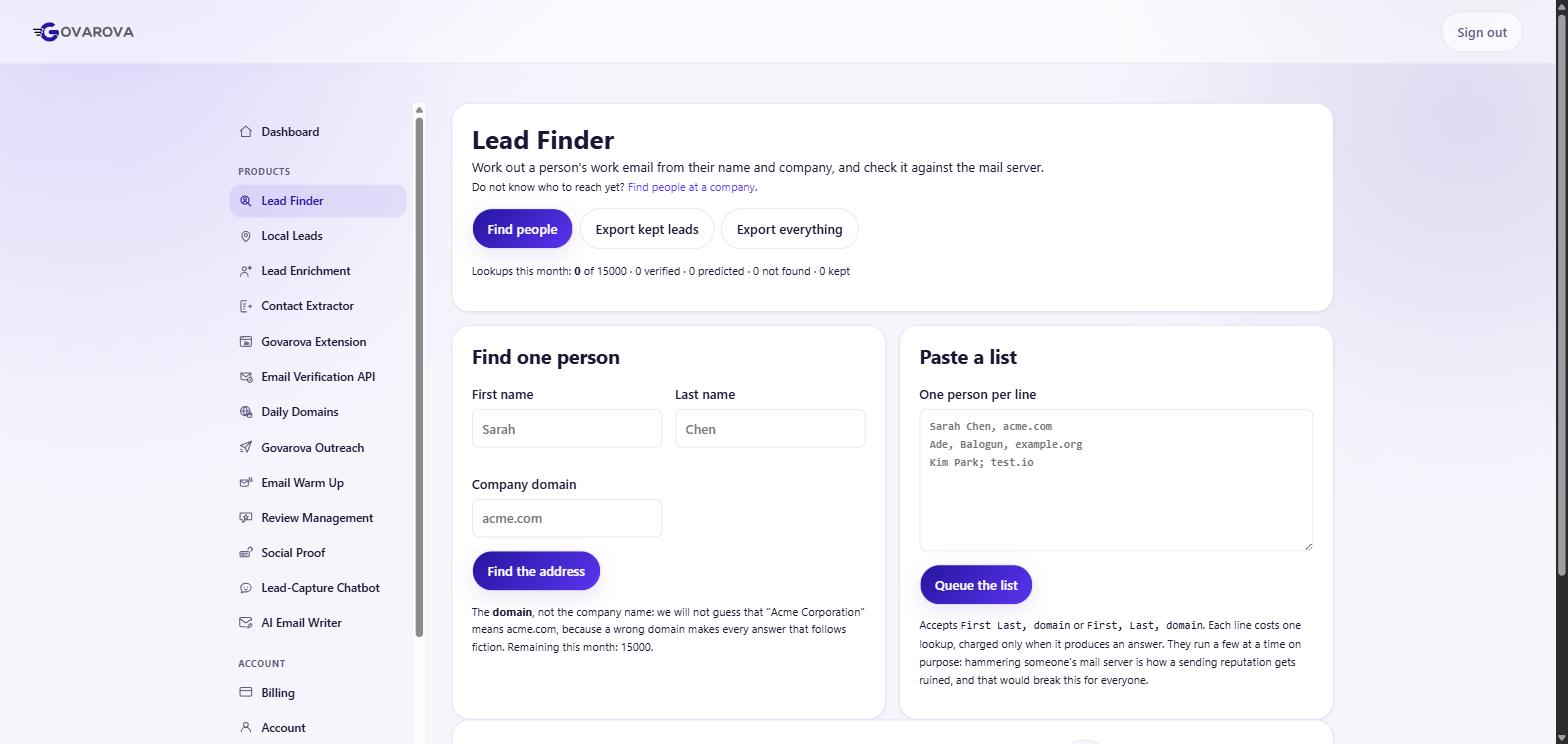
Two fields: full name and domain. Press Find. That is the whole interface, and it is the right amount of interface.
How it works underneath, and why that matters to you
Corporate email is not random. It is generated by a rule, and a handful of rules cover nearly everything:
first.last@company.com— most common in mid-market and enterprisefirst@company.com— startupsflast@company.com— very common in US enterprise and finance
So the tool derives candidates from the pattern and then verifies them against the mail server. That verification step is what separates a lookup from a guess — and it is why you should care whether a tool does it.
The case where it genuinely cannot answer
A catch-all domain accepts mail for every address, real or not. Ask it whether
asdfgh@bigcompany.com exists and it says yes. Verification therefore proves nothing there, and catch-alls are
disproportionately common at exactly the large companies you most want to reach.
An honest tool reports this as unknown. A tool that reports it as valid is not more accurate, it is less truthful — and when a vendor advertises 98% accuracy, this is usually where the number comes from.
Bulk
The companion screen takes a CSV of first name, last name, company and runs the same thing at volume. Same rules, same caveats.
Full method: finding an email from a name and a company.
Read next
Data Enrichment — turn a list of companies into contacts
Paste domains or company names; get back verified emails, job titles and firmographics for the people who work there.
Read →Find B2B companies — build the target list first
Search a company database by the attributes that actually predict fit, then enrich the companies you keep.
Read →Find B2C local businesses
Plumbers, dentists, restaurants. A different segment with different rules — and free-mail addresses are not a data-quality problem here.
Read →