LinkedIn email extraction
Pull contact details from LinkedIn profiles while you browse. Powerful, and the one place in the platform where you should read the rules first.
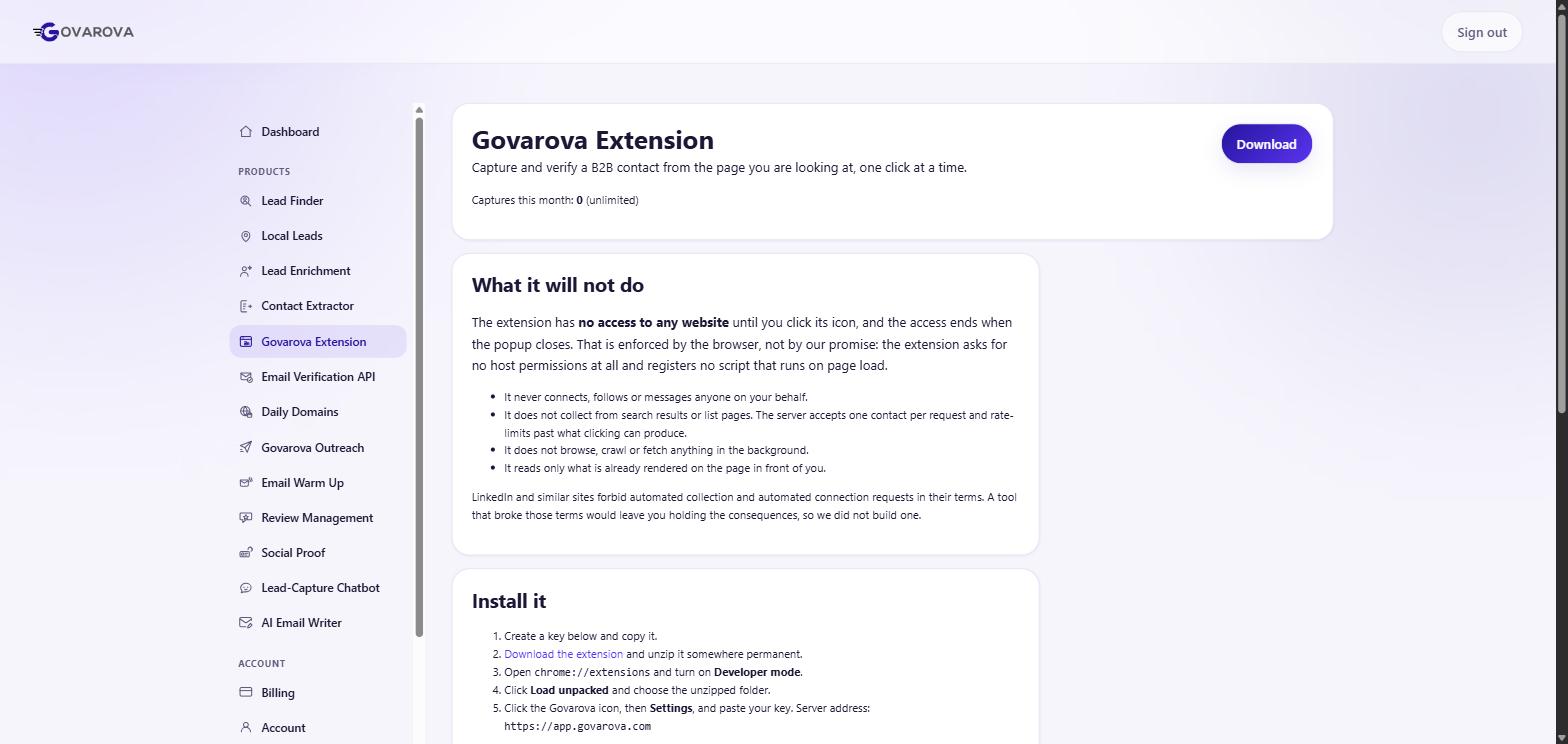
LinkedIn is the best B2B filtering tool that exists, and it deliberately will not give you an email address. This module bridges that gap.
Read this part before you use it
We did not exercise this feature, and that was deliberate. Automated collection from LinkedIn is against their user agreement, they enforce it, and the ban is permanent and attaches to the human rather than the tool.
hiQ Labs v. LinkedIn established that scraping public data is not a criminal CFAA violation — and hiQ still lost on breach of contract, because they had agreed to the terms. “Not a federal crime” and “allowed” are different statements, and the gap between them is where accounts get burned.
There is a data-protection layer too: a named person's work address is personal data under the GDPR. Legitimate interest can cover B2B outreach, but it is a test you have to actually pass, not a phrase you invoke.
The approach we would actually recommend
Use LinkedIn for what it is genuinely unbeatable at — deciding who — and get the address from the company's own published data instead: the team page, the press page, the job listings, and (most reliably, and almost nobody looks) the privacy policy, which by law must carry a real monitored address.
Then derive the pattern and verify. The full method is in finding an email address from LinkedIn.
What we will not touch
The auto-visit and auto-connect feature automates actions on your real LinkedIn account. We did not run it and would not. It is the clearest ToS breach in the platform and the account it risks is yours.
The product behind this
Govarova Extension
Extract verified B2B emails straight from LinkedIn and other social profiles while you browse.
Read next
Data Enrichment — turn a list of companies into contacts
Paste domains or company names; get back verified emails, job titles and firmographics for the people who work there.
Read →Find B2B companies — build the target list first
Search a company database by the attributes that actually predict fit, then enrich the companies you keep.
Read →Find B2C local businesses
Plumbers, dentists, restaurants. A different segment with different rules — and free-mail addresses are not a data-quality problem here.
Read →