
Turn readers into leads before they bounce
Most visitors arrive, read, and leave without ever telling you who they are. A chatbot that asks one good question changes that number — and routes the answer straight into your CRM.
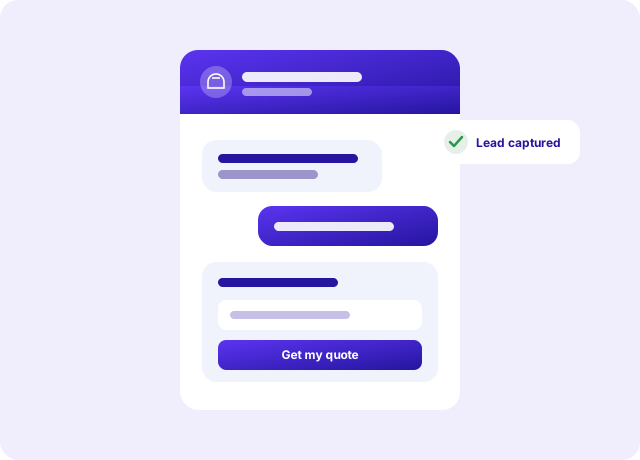
Three questions, never four
The bot opens with one useful question, qualifies in no more than three, and then asks for the email. A fourth question is where abandonment spikes — the conversation starts to feel like a form, and forms get closed.
- Greet → qualify → capture → route
- Three questions maximum, by design
- Every conversation kept, not just the ones that converted
Not into a void
A captured email that sits in a dashboard nobody opens is not a lead. Govarova drops it into your pipeline and, if you have connected one, into your external CRM too — so the lead is where you work, whether or not anyone was watching.
- Straight into the built-in CRM
- HubSpot, Pipedrive, or any webhook you point it at
- Signed payloads, so your endpoint can verify it was us
Everything Lead-Capture Chatbot gives you
- No-code builderBuild the flow without a developer.
- Three-question ruleQualify without becoming a form.
- Email captureThe whole point, done gently.
- CRM routingStraight into the pipeline.
- External CRMHubSpot, Pipedrive, or your own webhook.
- Signed payloadsYour endpoint can verify it came from us.
- Brand-matchedPick a colour; readable text is worked out.
- CSV exportEvery captured lead, downloadable.
Three steps, then it runs itself
No implementation project, no onboarding call you have to sit through.
- 1
Greet with one good question
Not a paragraph about your company. One question the visitor actually wants to answer.
- 2
Qualify in three, then capture
Three questions maximum. A fourth is where abandonment spikes, because the conversation starts to feel like a form.
- 3
Route it into the pipeline
The lead lands in the CRM and can trigger a sequence immediately, so the follow-up happens whether or not anyone was watching.
Built for the way you actually work
Sites with traffic but no conversions
People arrive, read, and leave without telling you who they are. One good question changes that number.
Small teams with no live chat cover
You cannot staff a chat window. The bot can qualify at 2am and hand over a real lead in the morning.
Converting content traffic
The article brought them in. The chatbot is what stops them leaving as an anonymous pageview.
The numbers that matter
What you are actually replacing
The left column is how most teams do this today. It works — it just costs a person a week.
| Job to be done | By hand | Lead-Capture Chatbot |
|---|---|---|
| Capturing the anonymous reader | A contact form nobody fills | A chatbot that asks |
| Qualifying the lead | Not until a call | In three questions |
| Out-of-hours cover | ||
| Routing the lead | An email to yourself | Straight into the CRM |
| Reaching a human | Buried | One click |
Prove it with a free tool first
No account, no card. These run in your browser and use the same logic as the product.
Common questions
Register & start — free
Every paid plan includes all thirteen products. No credit card required.